If you’ve been playing on Steam Deck and suddenly notice a little gear icon with a yellow exclamation mark in the corner, don’t panic. It’s not an error, nothing’s broken, and your Deck isn’t about to explode.
It simply means your Steam Deck has a system update waiting.
That’s it.
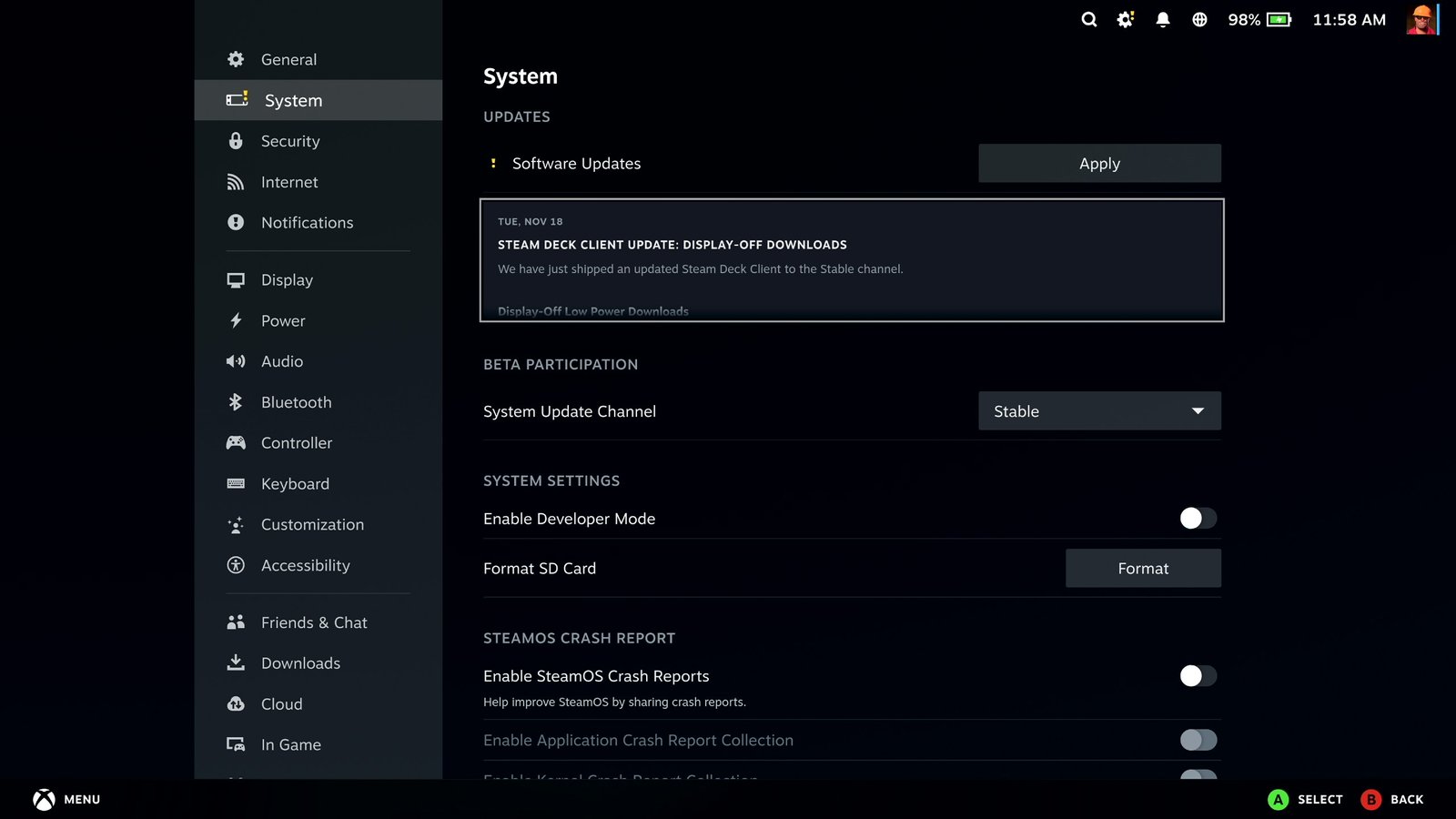
When you see it, all you need to do is head into your Settings, open the System tab, and hit Apply Update. The Deck will download it, install it, and you’re good to go.
That’s the whole thing. A small icon, just letting you know there’s an update ready.